
| Prerequisites |
|---|
| The FlowCrypt Android app is installed |
| The app has been set up with an email account and encryption keys |
| You know how to access the FlowCrypt settings on Android |
1. Open the FlowCrypt App
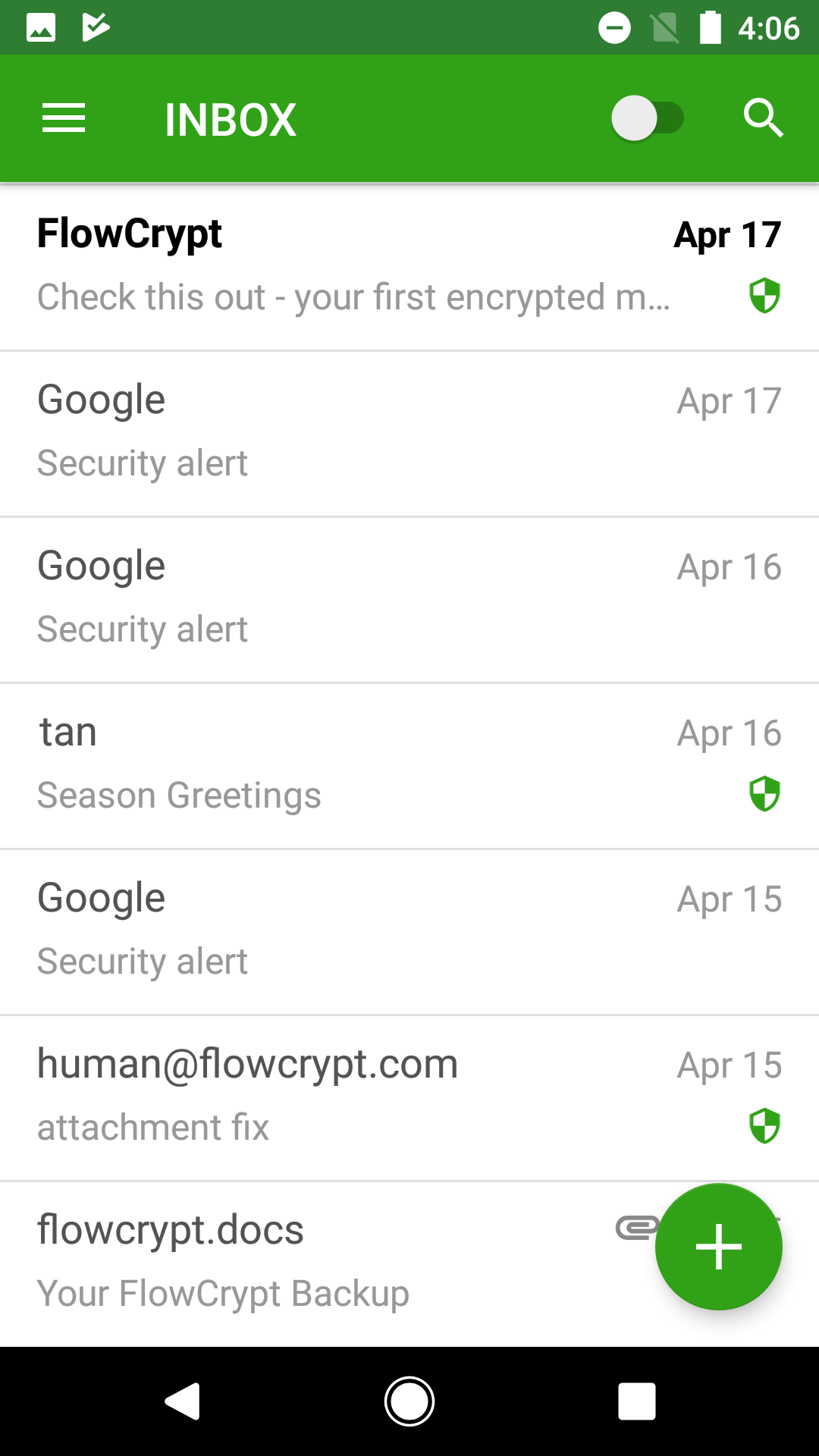
Open the FlowCrypt Android app on your device. You will land on your inbox.
2. Open FlowCrypt Settings
From the inbox, tap the menu icon (hamburger icon) located in the upper-left corner of the screen to open the main menu, then navigate to Settings.

3. Select Change Passphrase
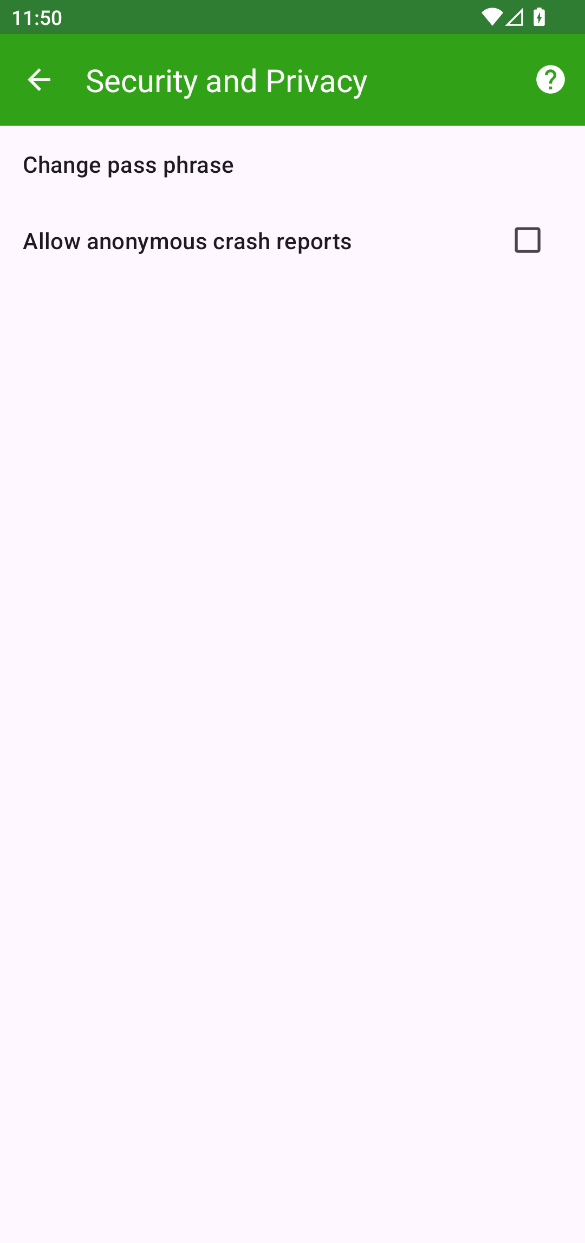
On the Settings screen, find and tap Change passphrase.
4. Enter a New Passphrase
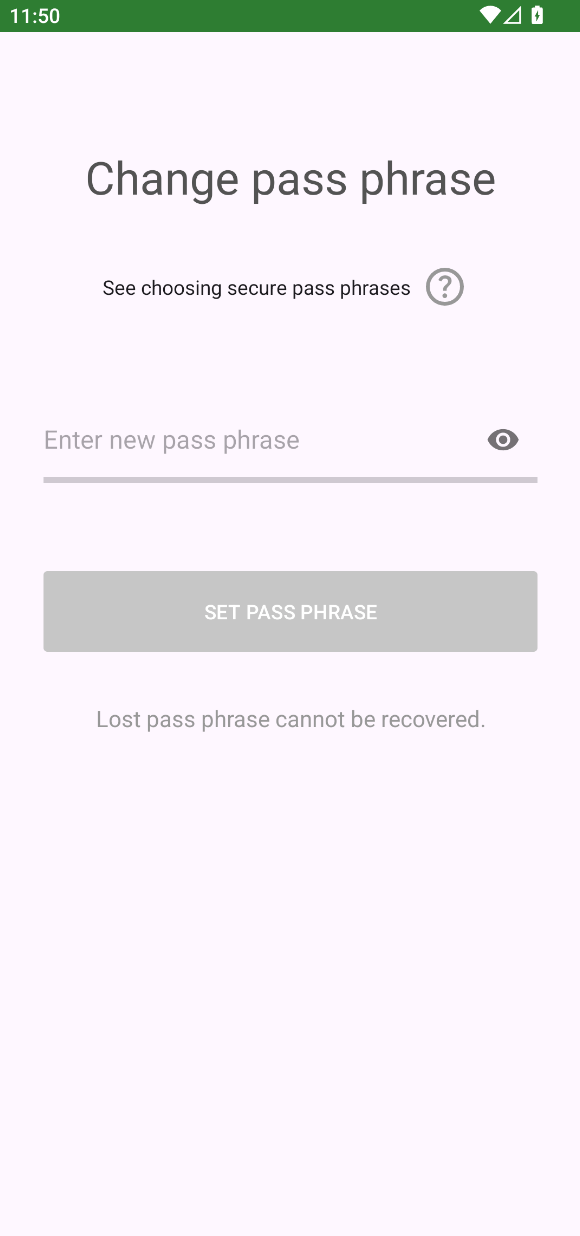
You will be prompted to:
- Enter your current passphrase
- Enter and confirm a new passphrase
Choose a strong passphrase that you can remember. This passphrase protects your private key and is required to decrypt emails.
5. Save the New Passphrase
Confirm the change to update your passphrase.
Once completed, the new passphrase will be required the next time your private key is unlocked.