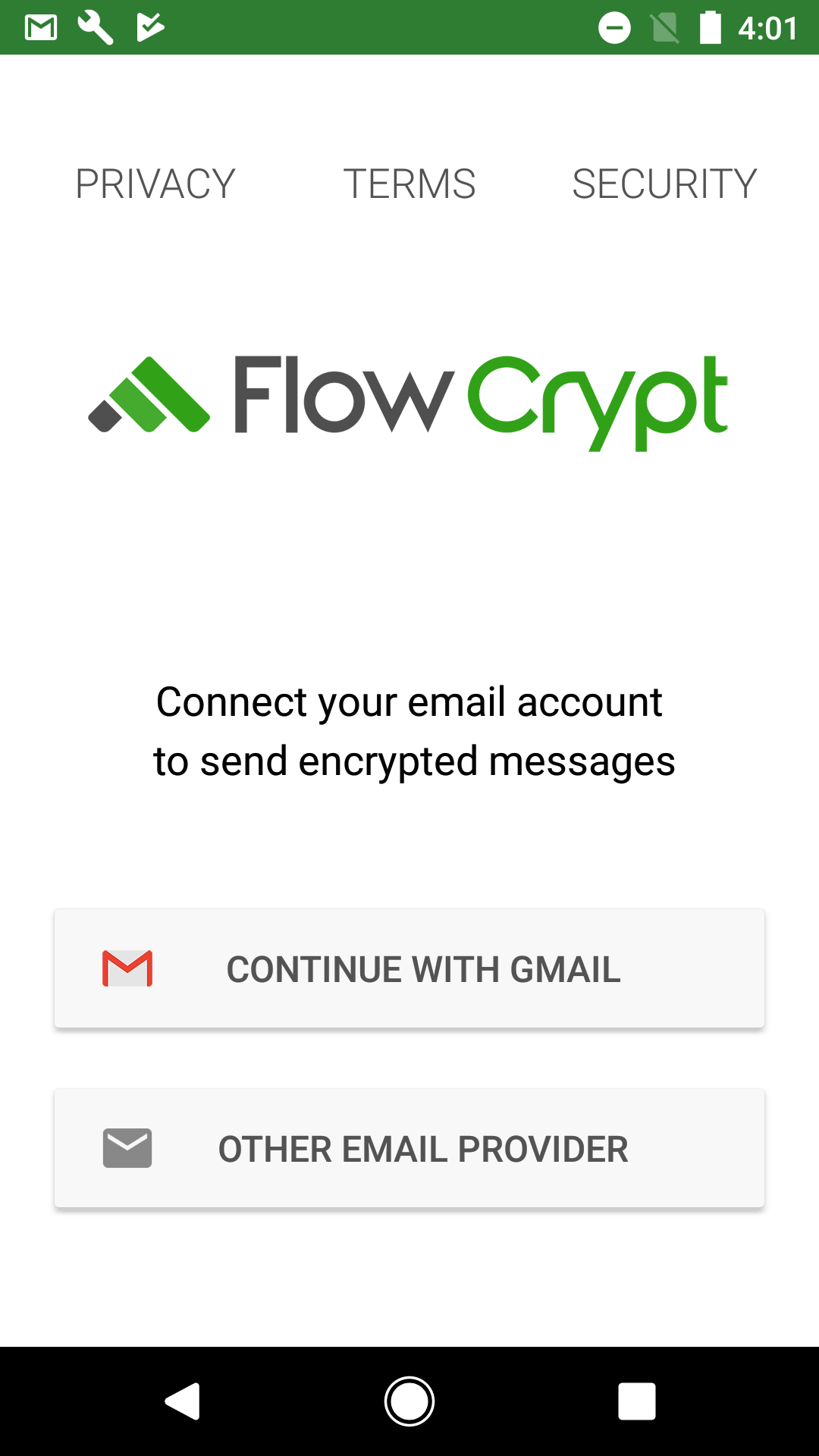
Follow these steps to install FlowCrypt on your Android device and start sending encrypted emails.
1. Visit FlowCrypt Download Page
Open your browser and navigate to the official FlowCrypt download page:
2. Choose Android App
On the downloads page, select “Android App” from the list of supported platforms.
This will redirect you to the Google Play Store where the FlowCrypt Android app is available.
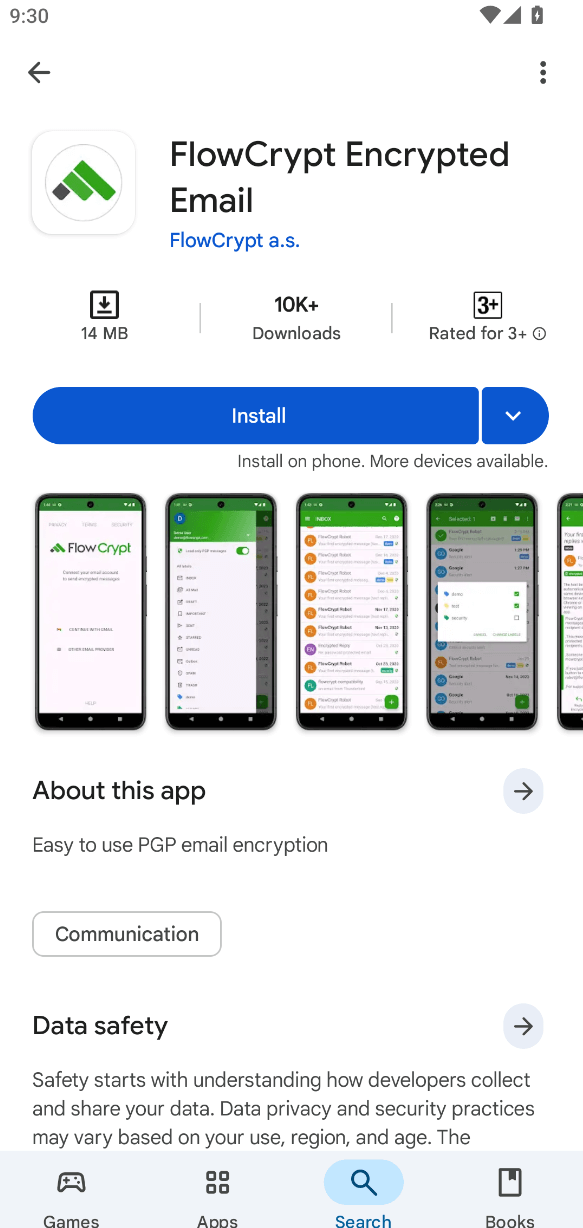
3. Install from Google Play
Once redirected to the Google Play Store:
- Tap the Install button.
- Wait for the installation to complete.
4. Open the App
After installation, open the FlowCrypt app from your device’s app drawer or home screen.
5. Ready to Setup
Once opened, FlowCrypt will guide you through initial setup steps such as adding your email account and creating or importing PGP keys.
For detailed setup instructions, see the FlowCrypt Android Setup Guide