| Prerequisites |
|---|
| The FlowCrypt Android app is installed |
| The app has been set up with an email account and encryption keys |
1. Open the Inbox
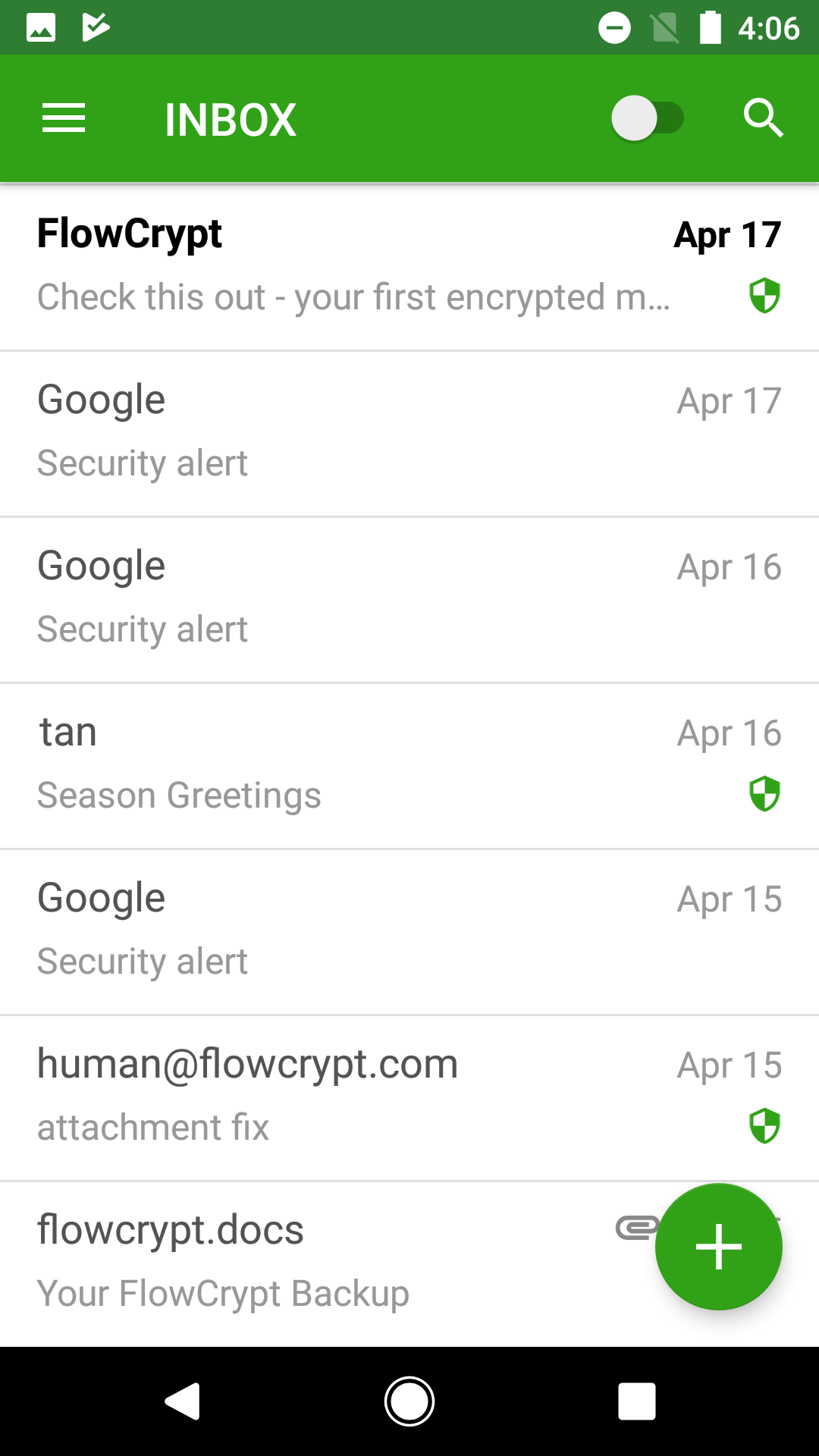
Open the FlowCrypt Android app. You will land on your inbox.
2. Open the Main Menu
In the upper-left corner of the screen, tap the menu icon (hamburger icon) to open the main navigation menu.
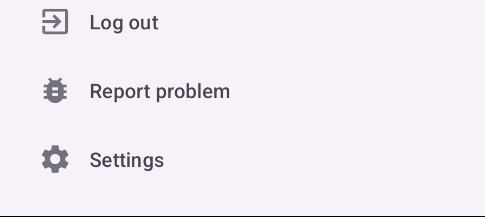
3. Select Settings
From the menu, locate and tap Settings.
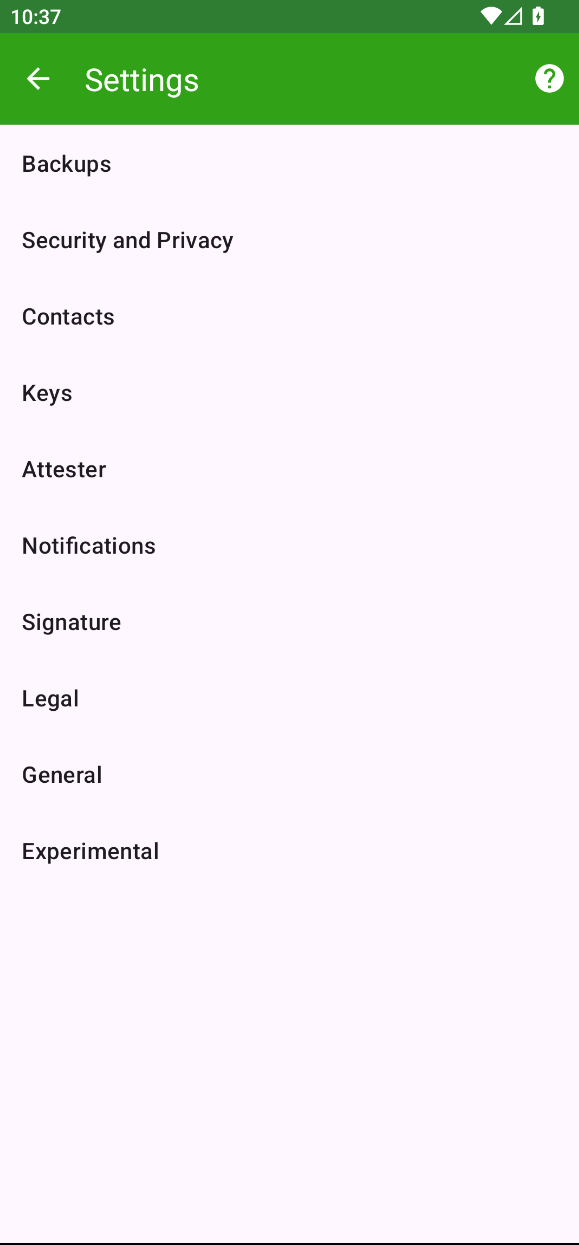
4. View FlowCrypt Settings
The FlowCrypt settings screen will now be displayed. Here you can manage backup keys, security and privacy settings, account and contact keys, Attester, and email signature.