| Prerequisites |
|---|
| You’ve already installed FlowCrypt and created a new private key or imported an existing private key you had used previously. |
| You have received an encrypted email with an attachment sent using FlowCrypt or another OpenPGP-compatible software. View the Send and Receive Overview guide to get familiar with sending and receiving encrypted emails. |
Use this guide to open and view attachments from emails encrypted with FlowCrypt.
1. Open the encrypted email you want to read.
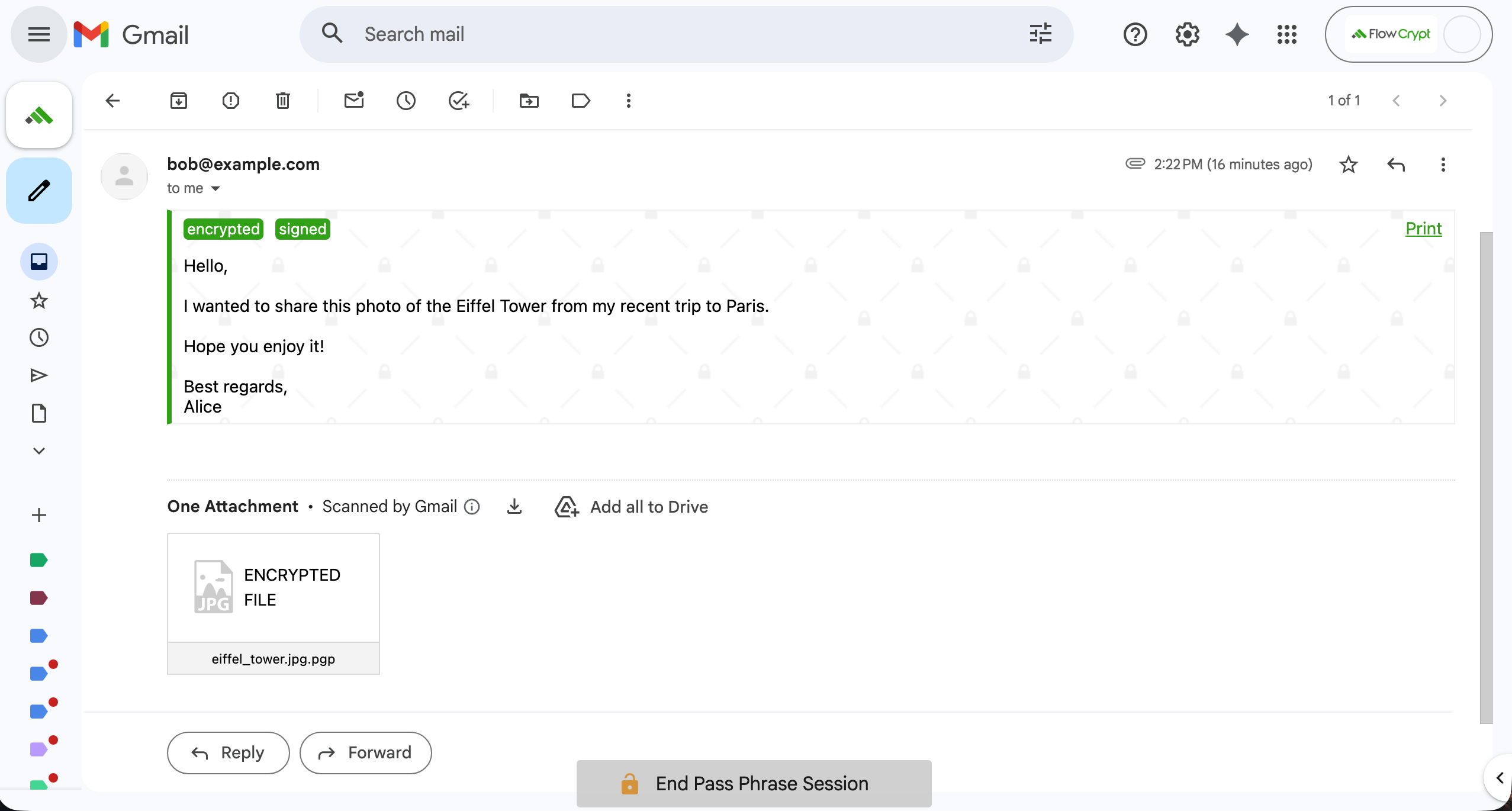
2. Click on the attached file to view it directly in your browser or start downloading it.
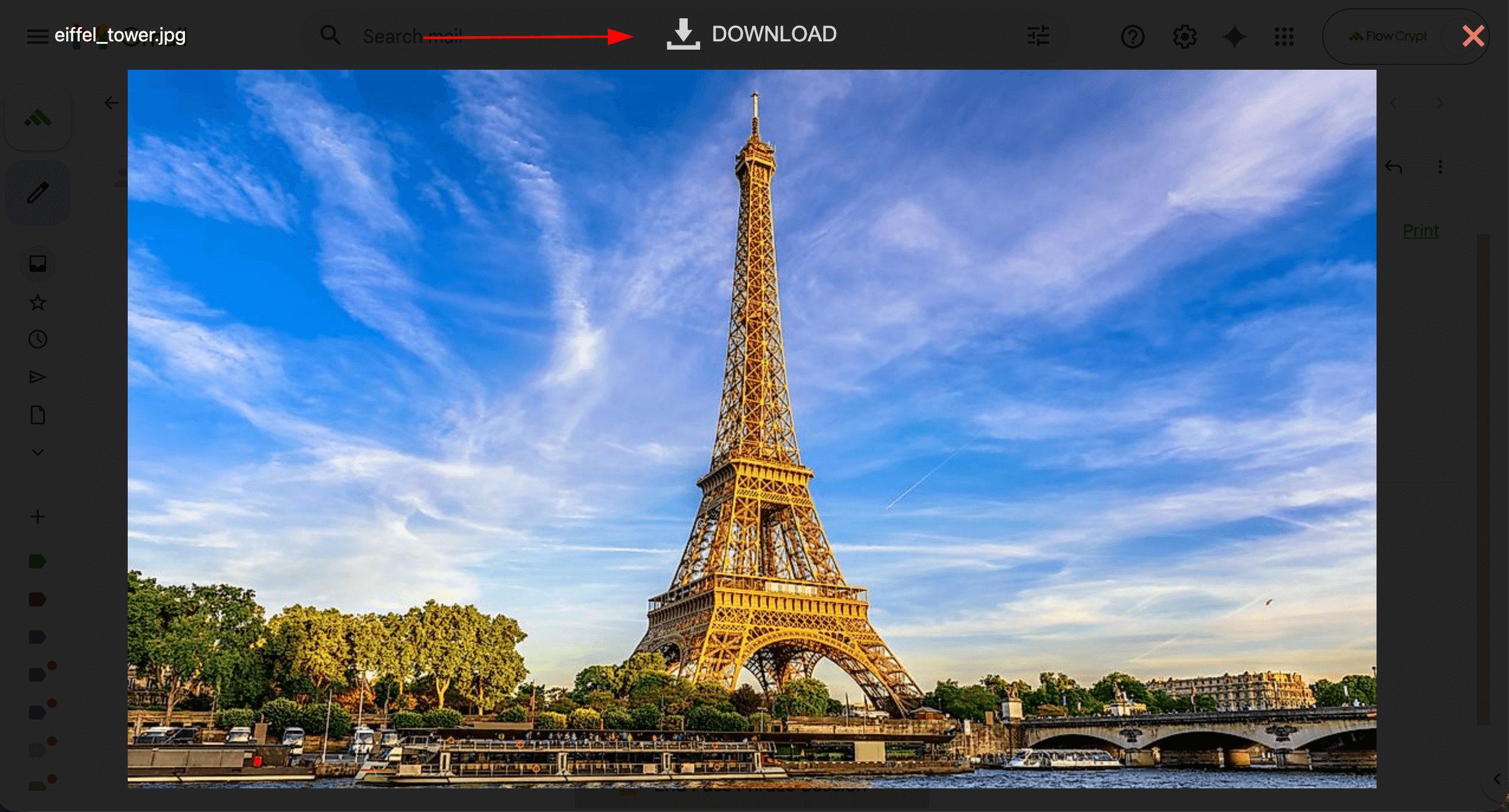
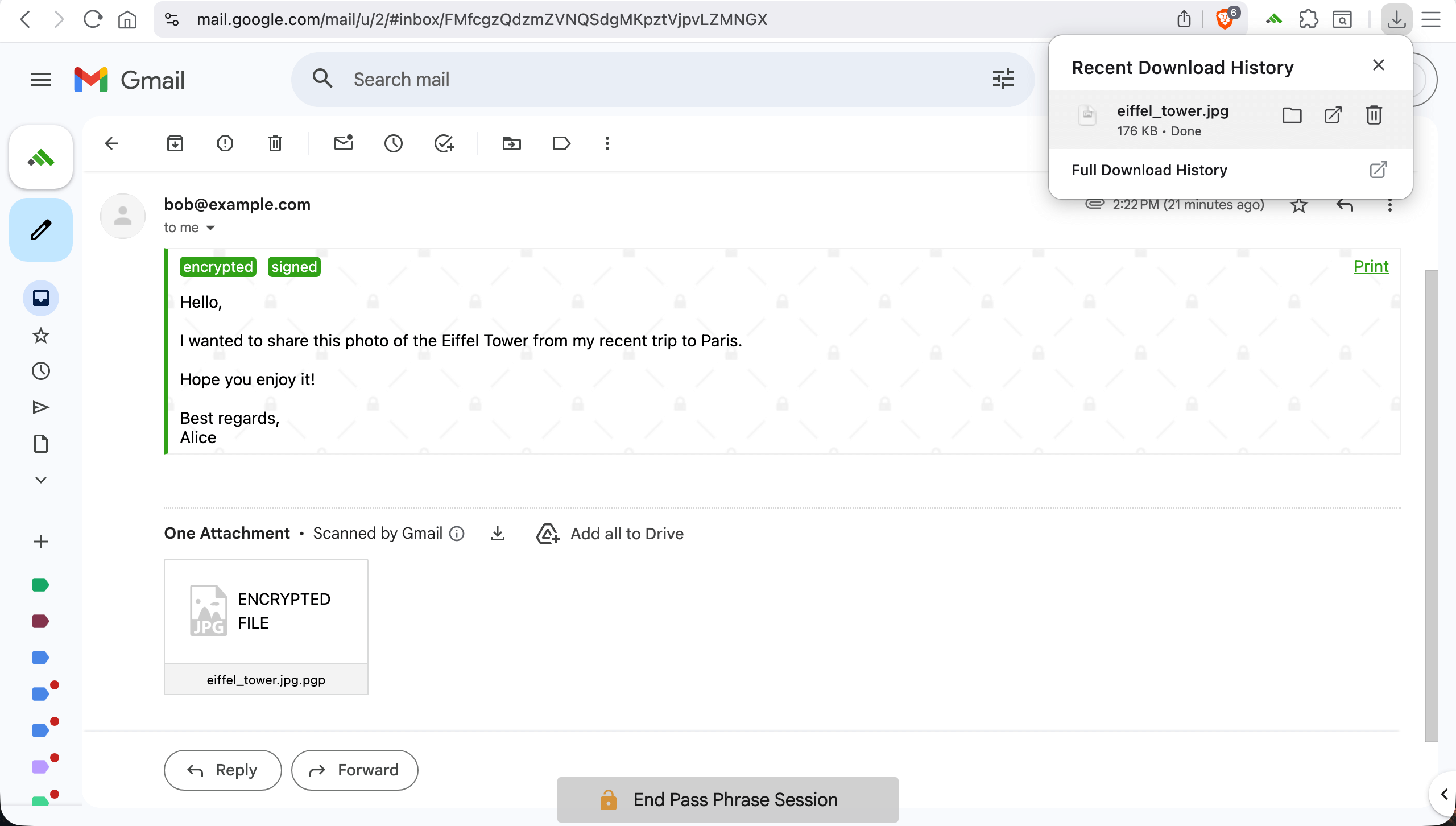
3. Once downloaded, the attachment is ready to be opened.
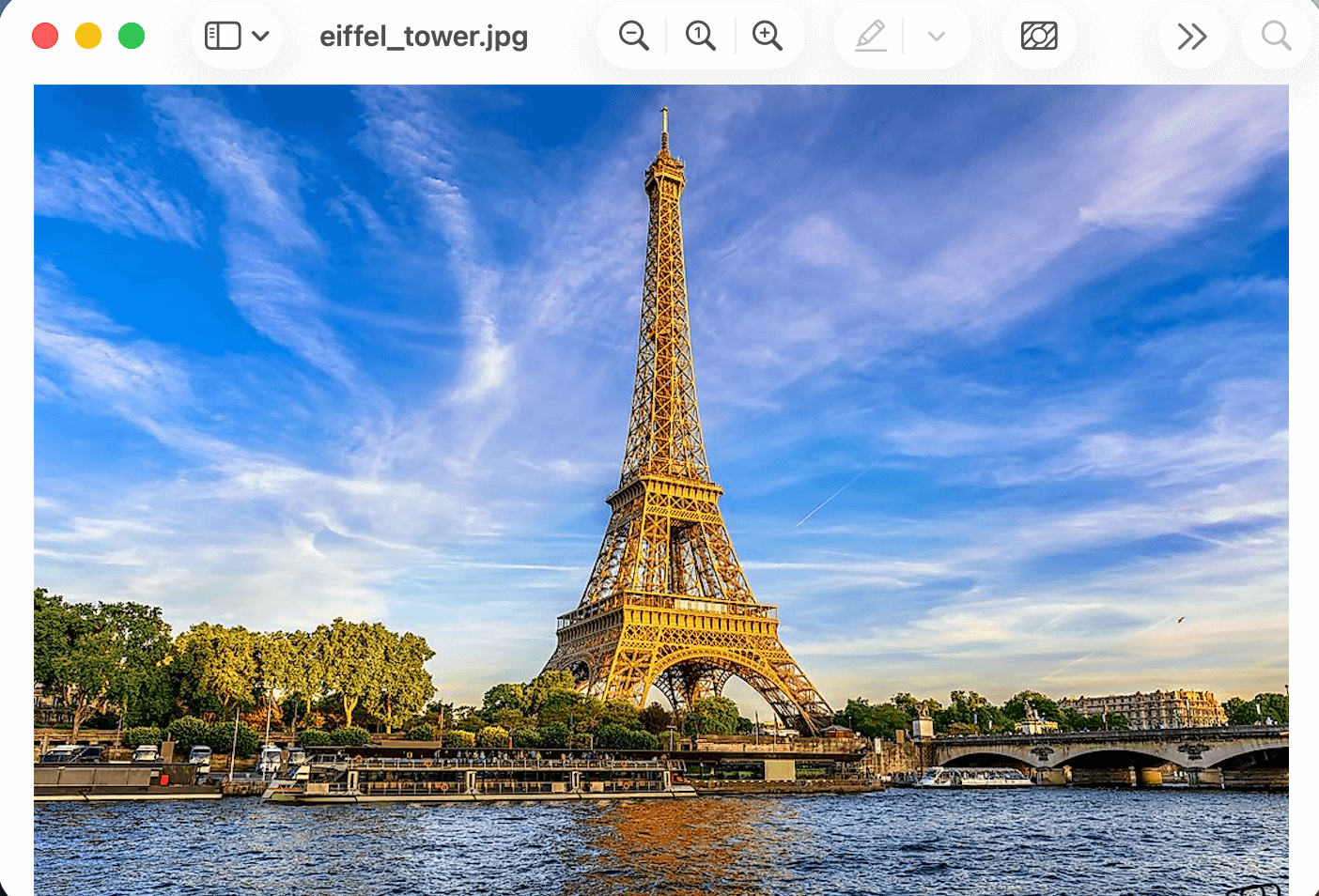
4. Open the file to view its content.